






What is ChatGPT? Learn the Basics in Just 3 Minutes

ChatGPT is OpenAI’s AI assistant for asking questions, drafting text, studying, coding, analyzing files, brainstorming, and solving everyday problems through conversation.
This beginner guide explains what ChatGPT is, how it generates answers, which model/tool differences matter, how to access it safely, what it can do, and what limits you should remember before relying on it.
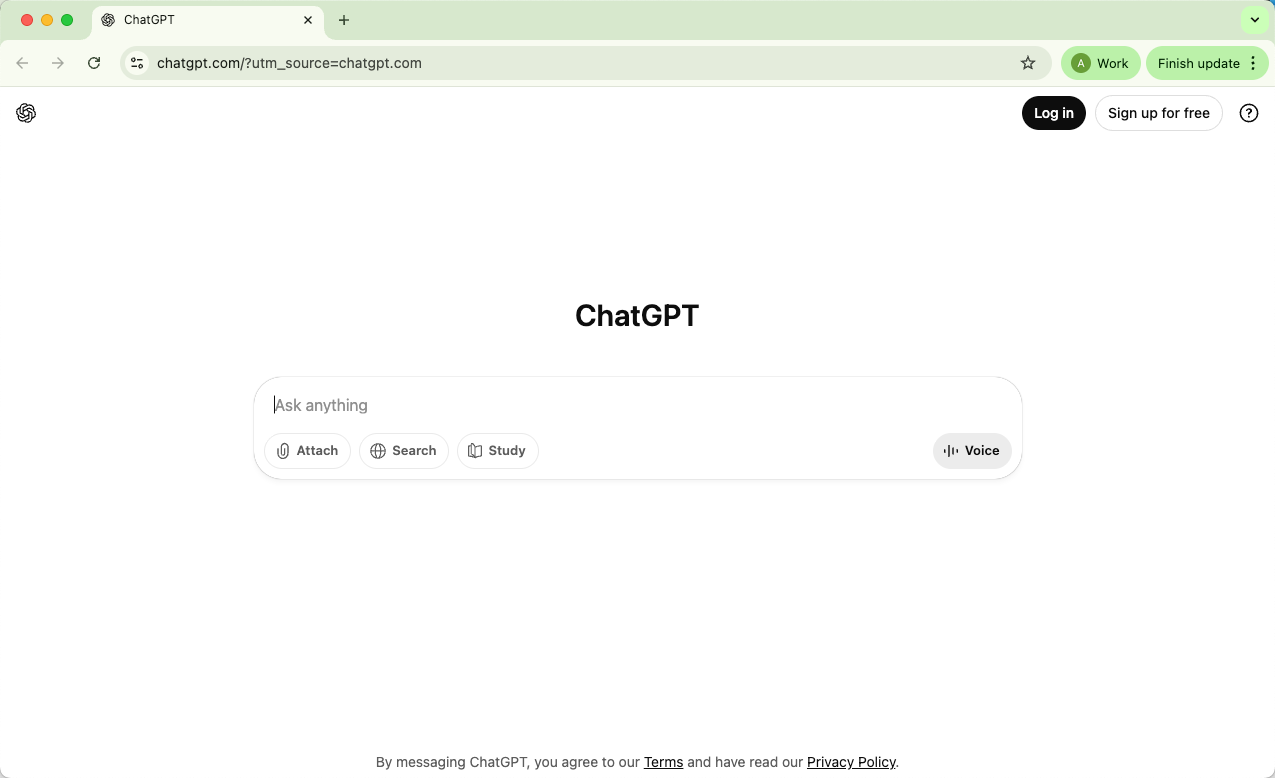
What is ChatGPT?
ChatGPT is an AI chatbot from OpenAI that responds to natural-language prompts. You can ask it to explain a topic, rewrite a paragraph, outline an essay, summarize notes, help debug code, plan a trip, or turn rough ideas into a clearer draft.
The “GPT” part means Generative Pre-trained Transformer:
Generative means it creates new text, code, and other responses from your prompt.
Pre-trained means the model learned language patterns from large datasets before being adapted for chat.
Transformer is the AI architecture that helps the model track context and relationships between words.
ChatGPT is useful because it feels conversational, but it is still software. It does not truly “know” things the way a person does, and important answers should be checked.
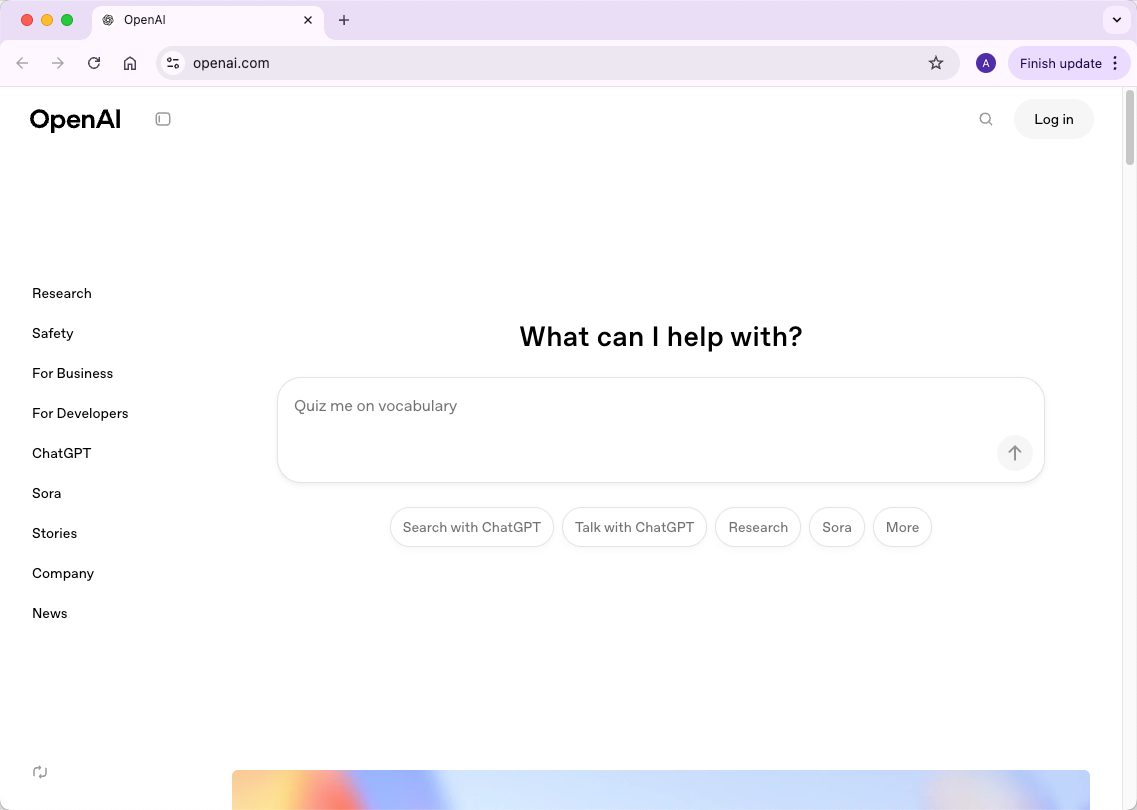
In short, ChatGPT is a flexible AI assistant built on large language models. It can help you move faster, but the best results come when you give clear context and review the output carefully.
How Does ChatGPT Work?
ChatGPT can feel like magic: you type a question or prompt, and it replies with coherent, human-like text. But underneath the surface, there’s a complex system at work. Let’s break it down step by step so you can see exactly how it works—without getting lost in jargon.
1. The Brain Behind ChatGPT: GPT Architecture
At the core of ChatGPT is something called a Generative Pre-trained Transformer, or GPT for short. Think of it as the brain of the AI. This brain is a transformer neural network, which is really good at understanding sequences—like how words follow each other in a sentence.
Why does that matter? Because when ChatGPT generates text, it predicts the next word in a sentence based on the words that came before. This ability to “see context” is what allows it to write essays, answer questions, and hold conversations that feel natural.
2. How ChatGPT Produces Text
When you send a prompt, ChatGPT turns your words into tokens, reads the surrounding context, and predicts a response token by token. A simplified version looks like this:
It reads your input and uses the conversation context to understand the task.
It predicts likely next tokens based on patterns learned during training and later alignment work.
It continues until the answer is complete or reaches a limit set by the model, app, or prompt.
This is why ChatGPT can sound confident even when it is wrong. It generates plausible language, so factual, legal, medical, academic, and financial claims still need verification.
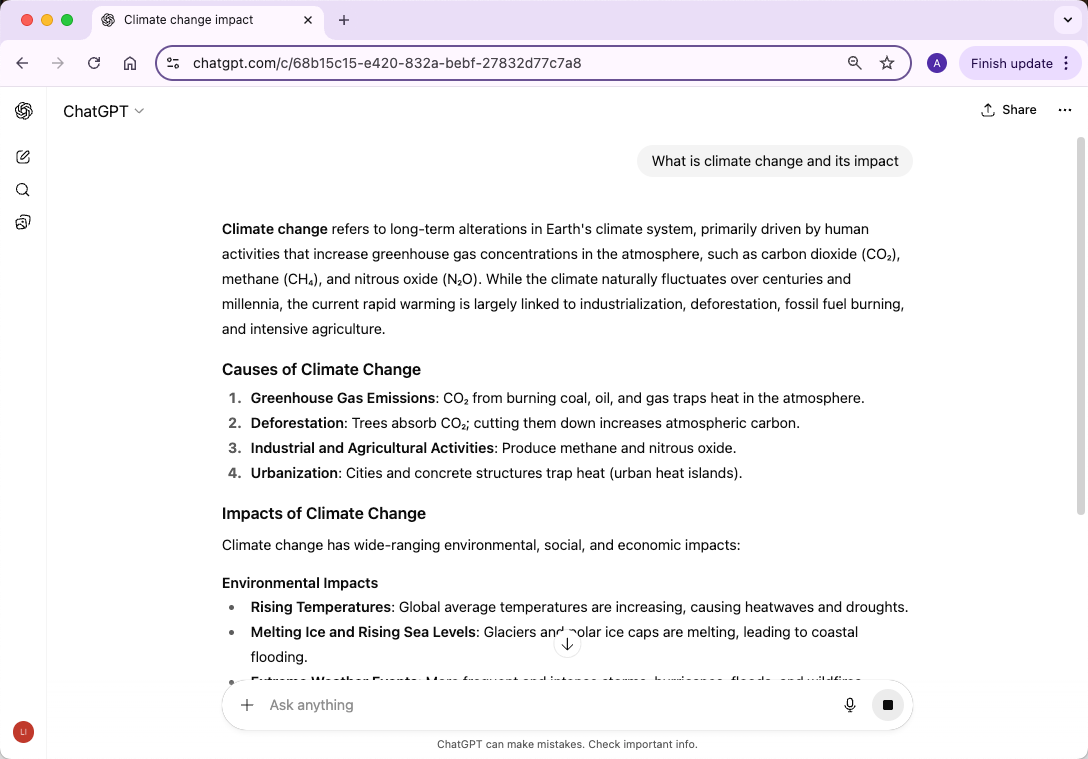
3. How ChatGPT Learned to Do This: Training
Before ChatGPT could respond to you, it had to learn a language. This happens in three main steps:
Pre-training
ChatGPT starts by learning from a vast amount of text data—think books, websites, and other publicly available written material. This phase teaches the model grammar, facts, reasoning patterns, and how words relate to each other. The model doesn’t memorize this data; instead, it adjusts internal parameters (numbers that represent learned patterns) to predict the next word in a sentence. Over time, it becomes better at understanding context and generating coherent text.
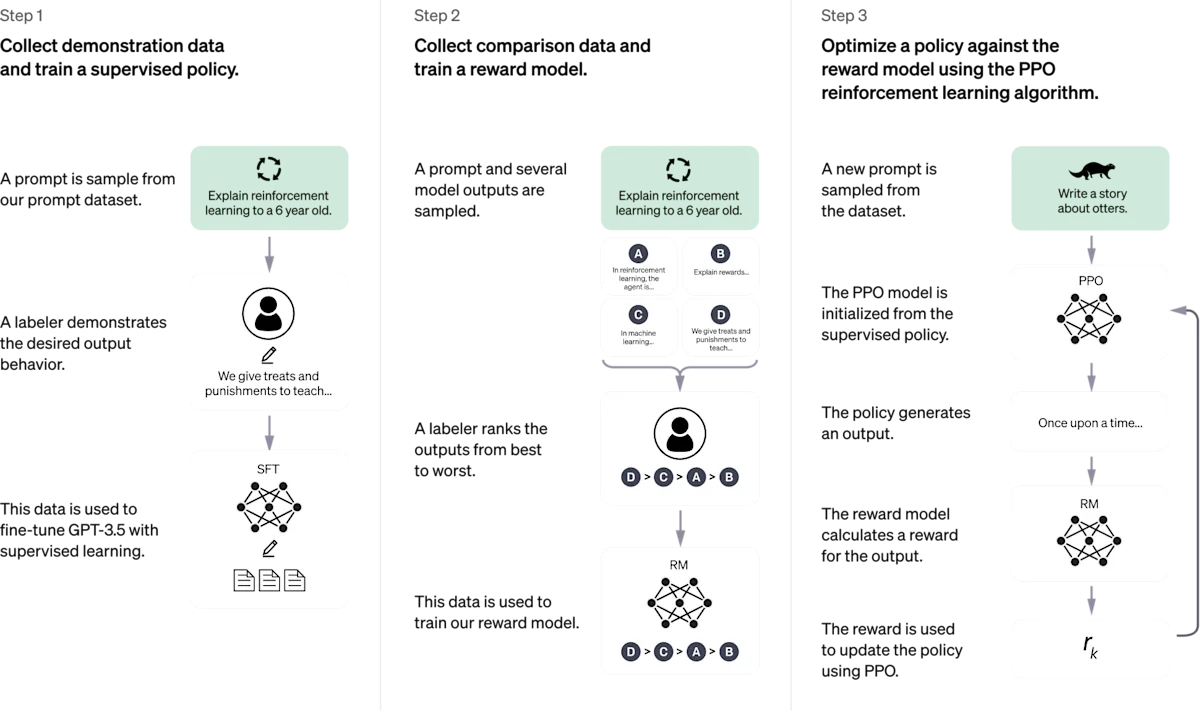
Fine-tuning with Human Feedback
Next, ChatGPT is refined using Reinforcement Learning from Human Feedback (RLHF):
Human trainers simulate conversations and show the AI examples of good responses.
They rank multiple possible outputs so the AI knows which ones are better.
The AI adjusts itself to favor higher-quality, more accurate answers.
This step is why ChatGPT can follow instructions, give detailed explanations, and even admit mistakes.
Continuous Improvement
ChatGPT continues to improve through model updates, safety work, product feedback, and new tools. User feedback can help OpenAI identify failures, but the model does not instantly learn from every single chat in the way a human remembers a conversation.
So, step by step:
ChatGPT reads your prompt and recent conversation context.
Its transformer architecture predicts useful next tokens.
Pre-training gives it broad language ability.
Alignment and human feedback make responses more helpful and safer.
Product updates add new capabilities, limits, and safety behavior over time.
All of these layers can make ChatGPT feel human-like, even though it is not conscious and does not understand the world exactly as a person does.
As ChatGPT evolves, OpenAI also adds features that move it beyond simple text chat.
Recent Developments and New Features in ChatGPT (August 2025)
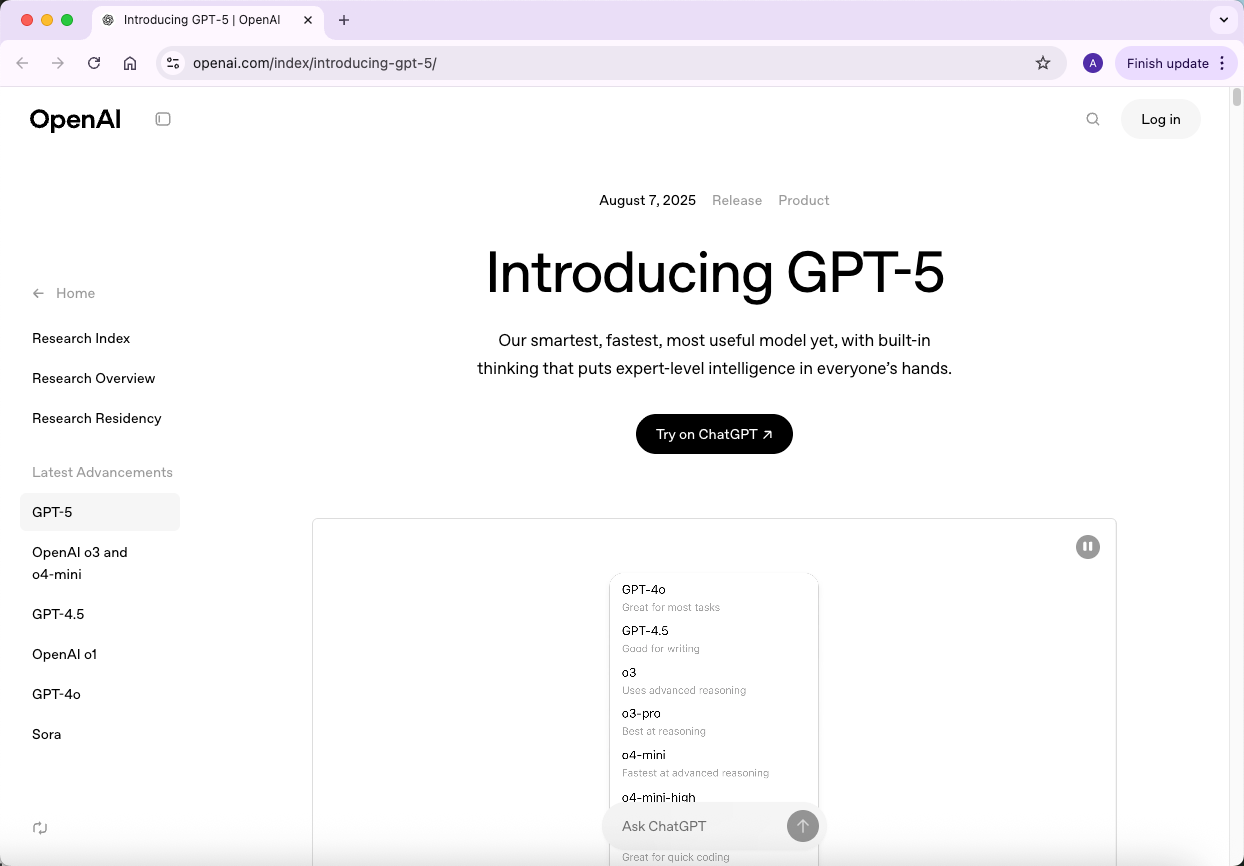
1. GPT-5: A Leap Forward in AI Capabilities
OpenAI's GPT-5, released in August 2025, represents a significant advancement in AI technology. This model excels in complex reasoning tasks, such as generating and debugging intricate code, and offers improved design sensibilities, including better handling of typography and layout in web development.
2. Deep Research: Autonomous Web Browsing for In-Depth Analysis
The Deep Research feature enables ChatGPT to autonomously browse the web for 5 to 30 minutes, compiling cited reports on user-specified topics. This tool is particularly useful for tasks requiring expert-level analysis, such as academic research or comprehensive market studies.
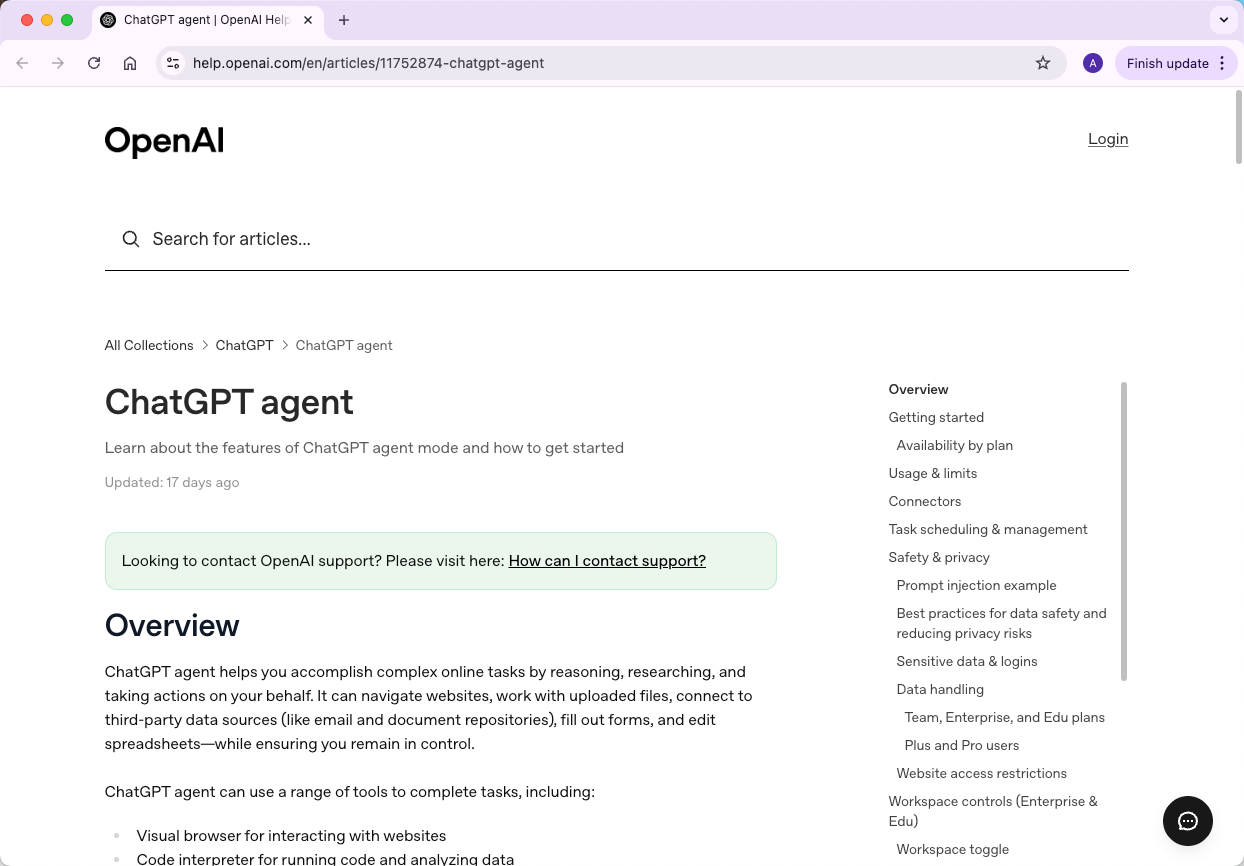
3. Agent Mode: Task Automation with AI
Agent Mode allows ChatGPT to proactively choose from a toolbox of skills to complete tasks autonomously. This feature is designed to handle complex tasks from start to finish, such as managing projects or conducting detailed analyses, without constant user input.
4. Parental Controls and Enhanced Safety Features
In response to concerns about AI's role in mental health, OpenAI is introducing parental controls and improved safety mechanisms. These updates aim to better support users exhibiting signs of mental distress and provide guardians with tools to monitor and manage their children's interactions with ChatGPT.
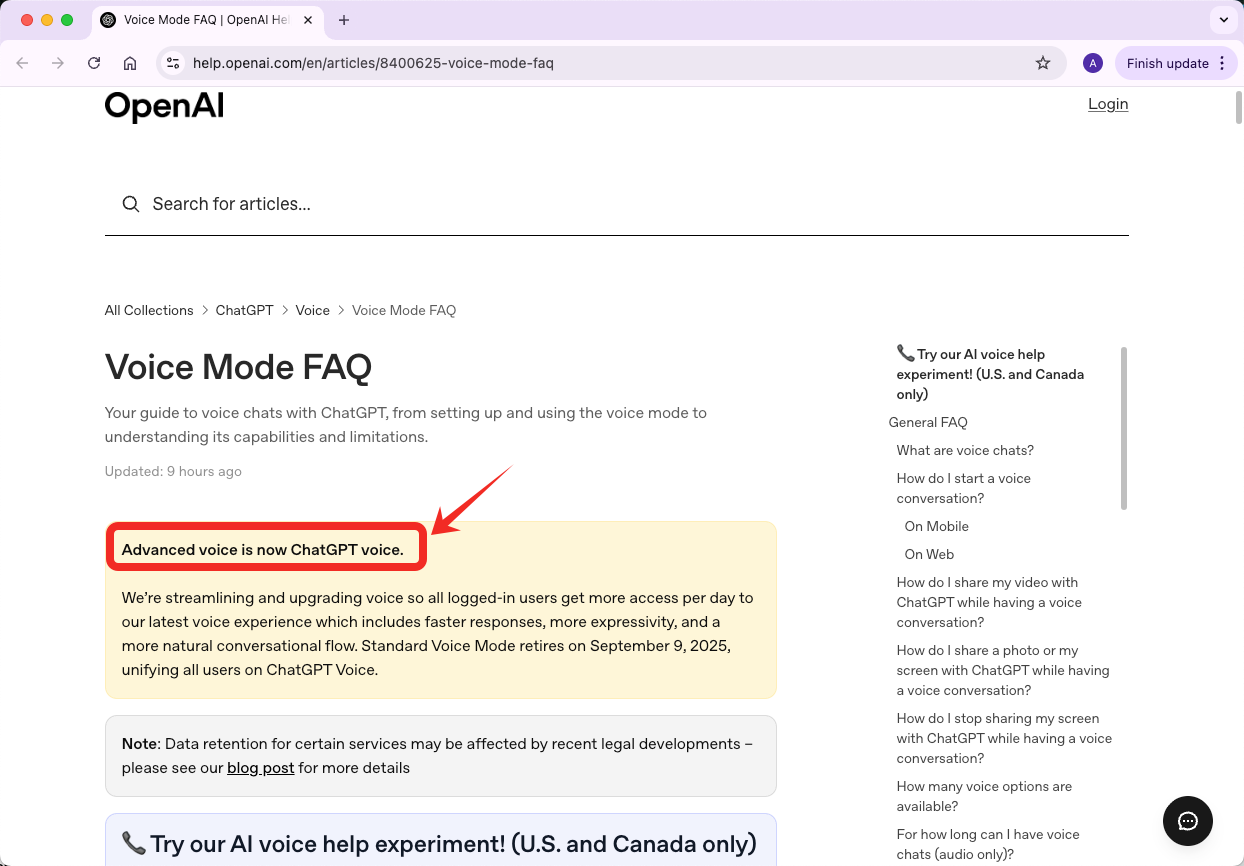
5. Voice Mode: Natural Conversational Interaction
Voice Mode enables users to engage in real-time, natural conversations with ChatGPT. This feature is particularly beneficial for multitasking scenarios, such as driving or cooking, where typing is impractical.
Different Models for Different Functions
ChatGPT may show different model choices depending on your plan, region, account, and rollout. Instead of memorizing one fixed model list, think about what each model type is best suited for.
Here is a practical way to choose:
Model | Intro | Best for |
Default chat model | The model ChatGPT chooses for most everyday tasks. | Writing, summarizing, rewriting, brainstorming, and general questions. |
Fast or mini model | A lighter model optimized for speed and routine requests. | Quick answers, simple edits, short explanations, and low-stakes drafts. |
Reasoning model | A model intended for more careful multi-step thinking. | Math, coding plans, strategy, logic, and complex analysis. |
Multimodal model | A model that can work with text plus images, files, audio, or other inputs when available. | Image questions, document analysis, data work, and mixed-media tasks. |
Agent or tool-enabled mode | A workflow mode that can use tools or work through longer tasks when available. | Research workflows, planning, automation, and multi-step projects. |
How to Access ChatGPT?
So now that you understand what ChatGPT is and how it works, the next question is: how do you actually use it? The good news is, it’s more accessible than most people think. Let’s break it down step by step.
1. ChatGPT on the Web
The simplest way to access ChatGPT is through its official website: chat.openai.com. You just need a web browser and an internet connection.
Sign up or log in: You’ll need an OpenAI account. You can sign up with an email address, or use single sign-on options like Google or Microsoft.
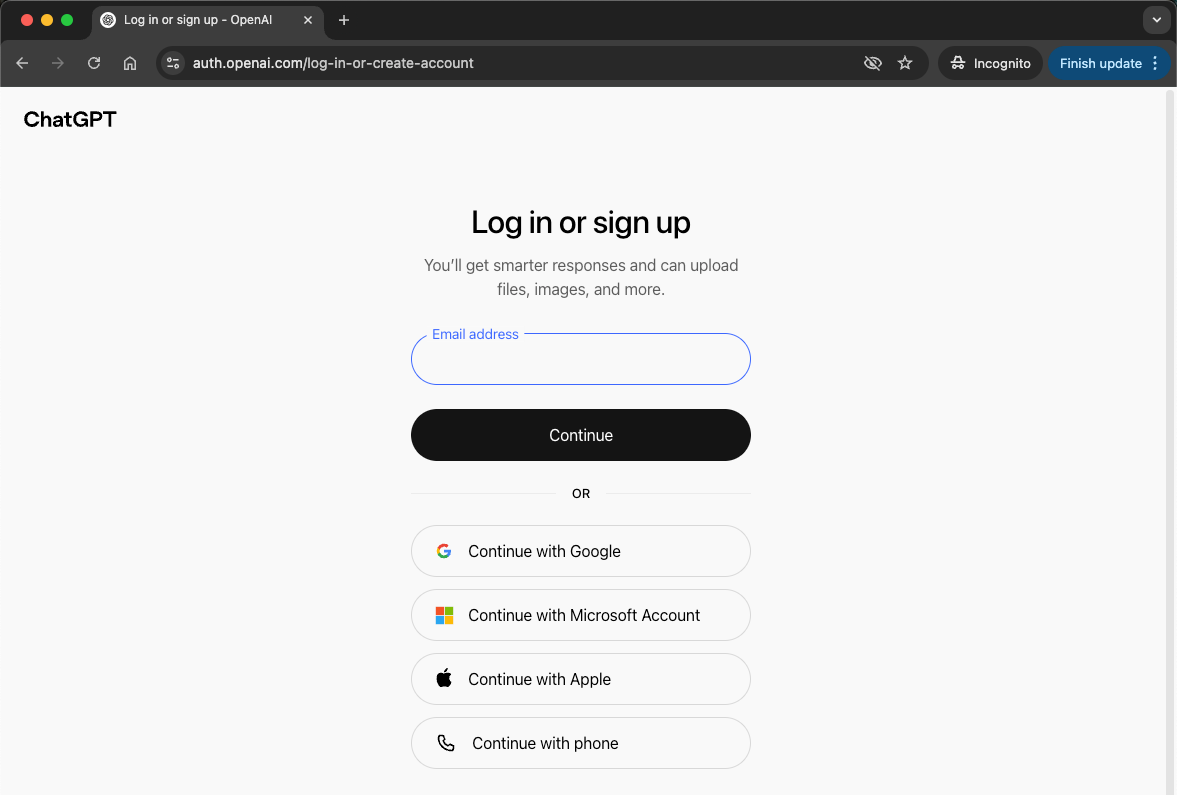
Start chatting: Once logged in, you can type prompts or questions in the chat box and get responses immediately.
This web interface works on both desktop and mobile browsers, so you don’t need any special software.
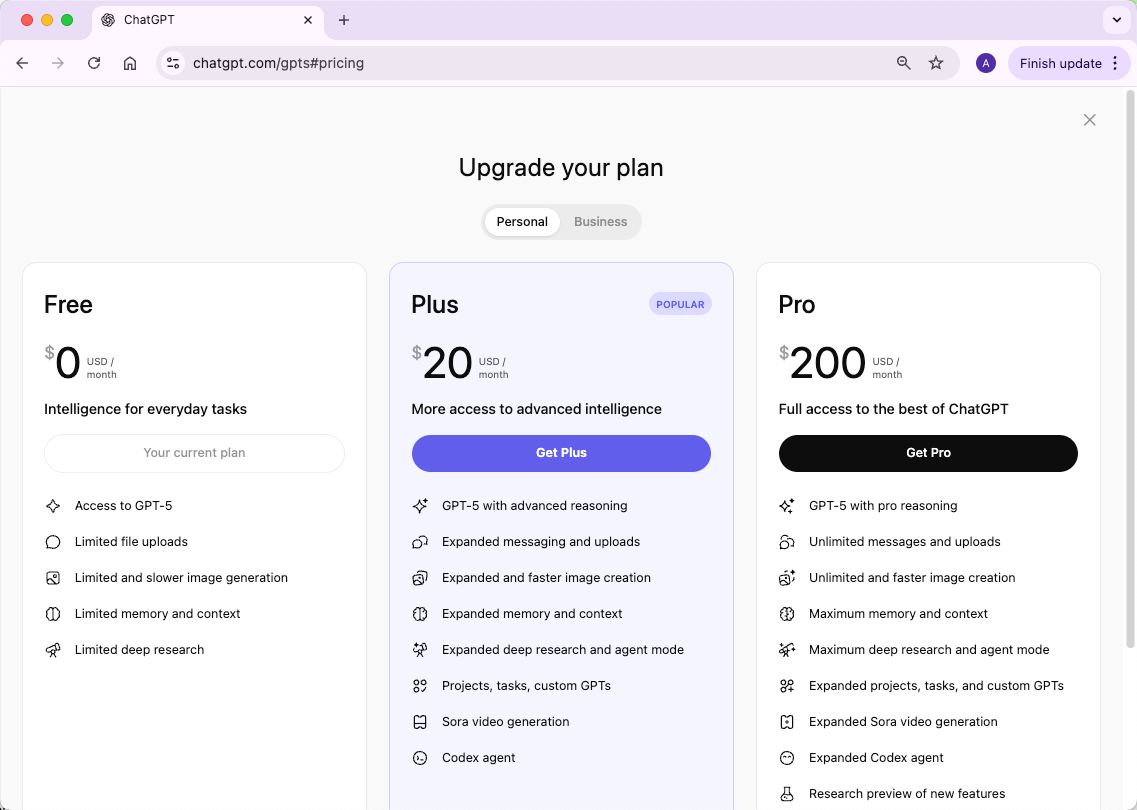
2. Free vs. Paid Versions
OpenAI offers both free and paid access to ChatGPT, each with different features:
Free Tier: Provides access to GPT-5 with standard functionality. Responses are generally reliable, though they may be slower during peak usage periods.
ChatGPT Plus ($20/month as of 2025): Unlocks the full power of GPT-5 with advanced capabilities, including:
Expanded messaging and file uploads
Enhanced deep research and “agent mode” for task automation
Support for Projects and custom GPTs
Sora video generation, etc.
3. Mobile Apps
OpenAI also provides official ChatGPT apps for iOS and Android:
Available in the Apple App Store and Google Play Store.
The mobile experience is very similar to the web version, with the added convenience of notifications and on-the-go access.
4. Third-Party Integrations
Besides the official channels, ChatGPT is integrated into other platforms:
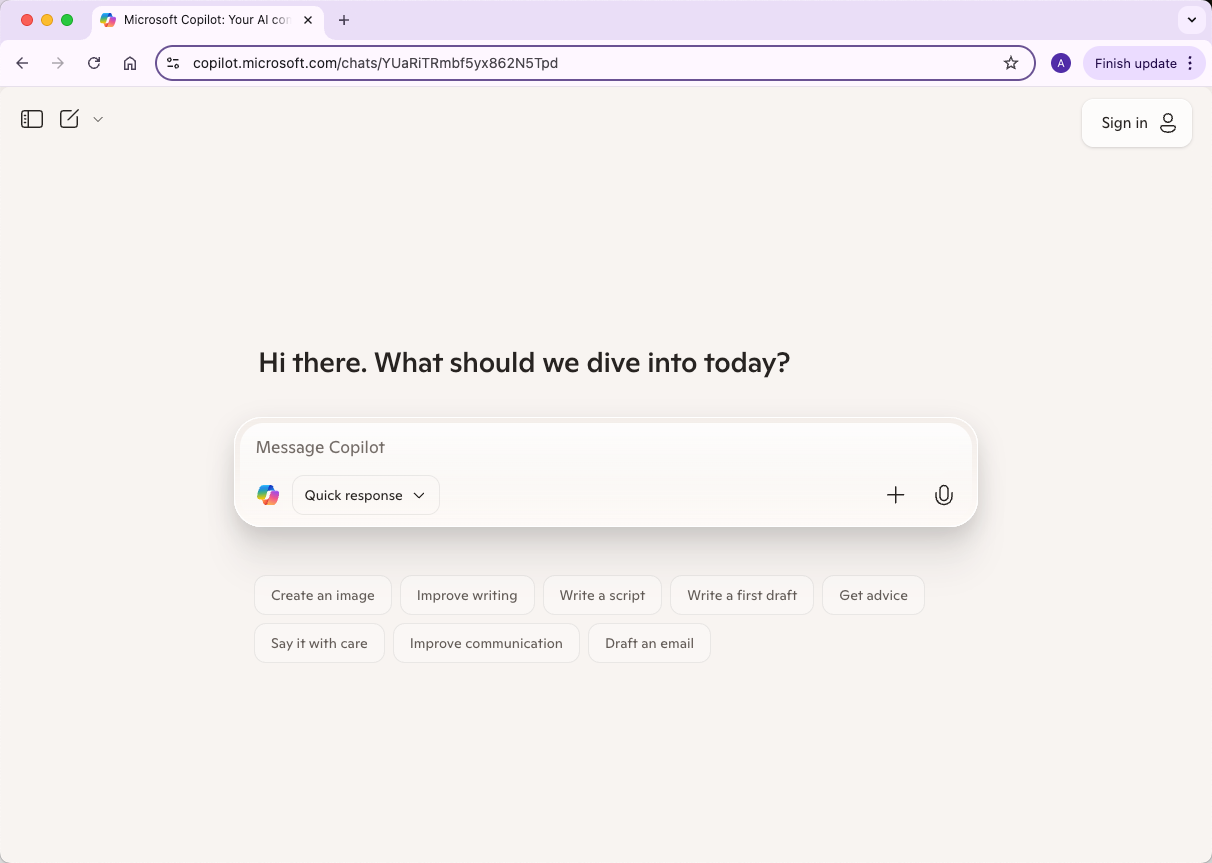
Microsoft Products: ChatGPT powers tools like Word and Excel via “Copilot.”
APIs: Developers can use the OpenAI API to integrate ChatGPT into their apps, websites, or services.
Plugins: Some versions of ChatGPT, especially GPT-4, support plugins that extend capabilities, like accessing live information from the web or interacting with external services.
What Can You Do With ChatGPT?
Now that you know what ChatGPT is and how to access it, the next question is: what can you actually do with it? The short answer: a lot. ChatGPT isn’t just a chatbot for casual conversation—it’s a versatile tool for work, study, and creativity. Let’s explore the main ways you can use it.
1. Using ChatGPT in Your Work
ChatGPT can save time and make your work more efficient in many ways:
Writing and Editing: Draft emails, reports, blog posts, or social media content. ChatGPT can also help polish your writing, improving grammar, tone, and clarity.
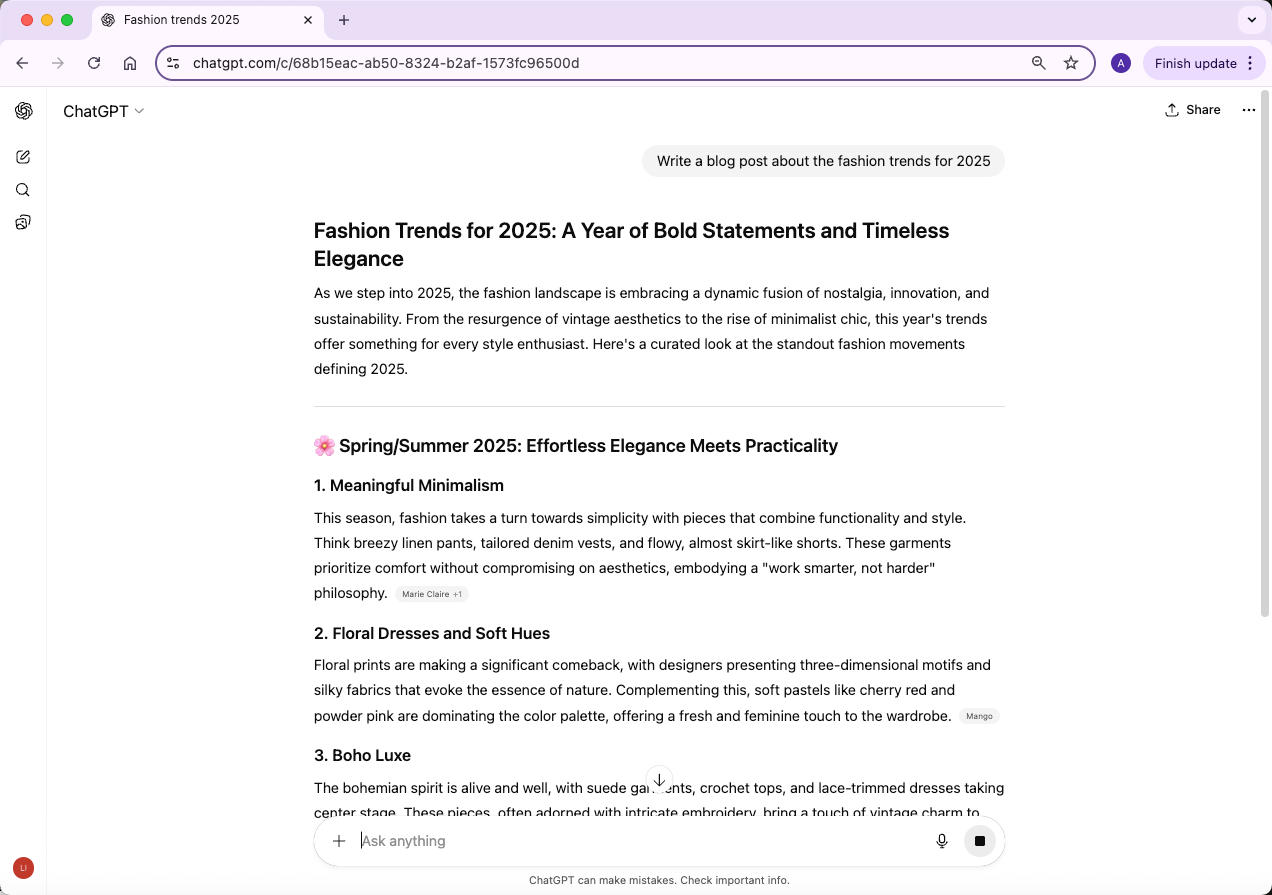
Research and Summaries: Ask ChatGPT to summarize articles, documents, or long reports. It can condense complex information into something easier to digest.
Programming Help: Generate code snippets, troubleshoot errors, or explain coding concepts in plain language.
Brainstorming Ideas: Whether it’s a new marketing strategy, product ideas, or creative content, ChatGPT can offer suggestions and alternatives.
Essentially, it acts like a versatile assistant that can handle repetitive or time-consuming tasks, giving you more time to focus on high-level thinking.
2. Key Features of ChatGPT
Some of the standout features that make ChatGPT so useful include:
Conversational Memory: ChatGPT can remember the context of a conversation during your session, allowing for follow-up questions and deeper discussions.
Customizable Tone and Style: You can ask it to write formally, casually, humorously, or even in a specific professional style.
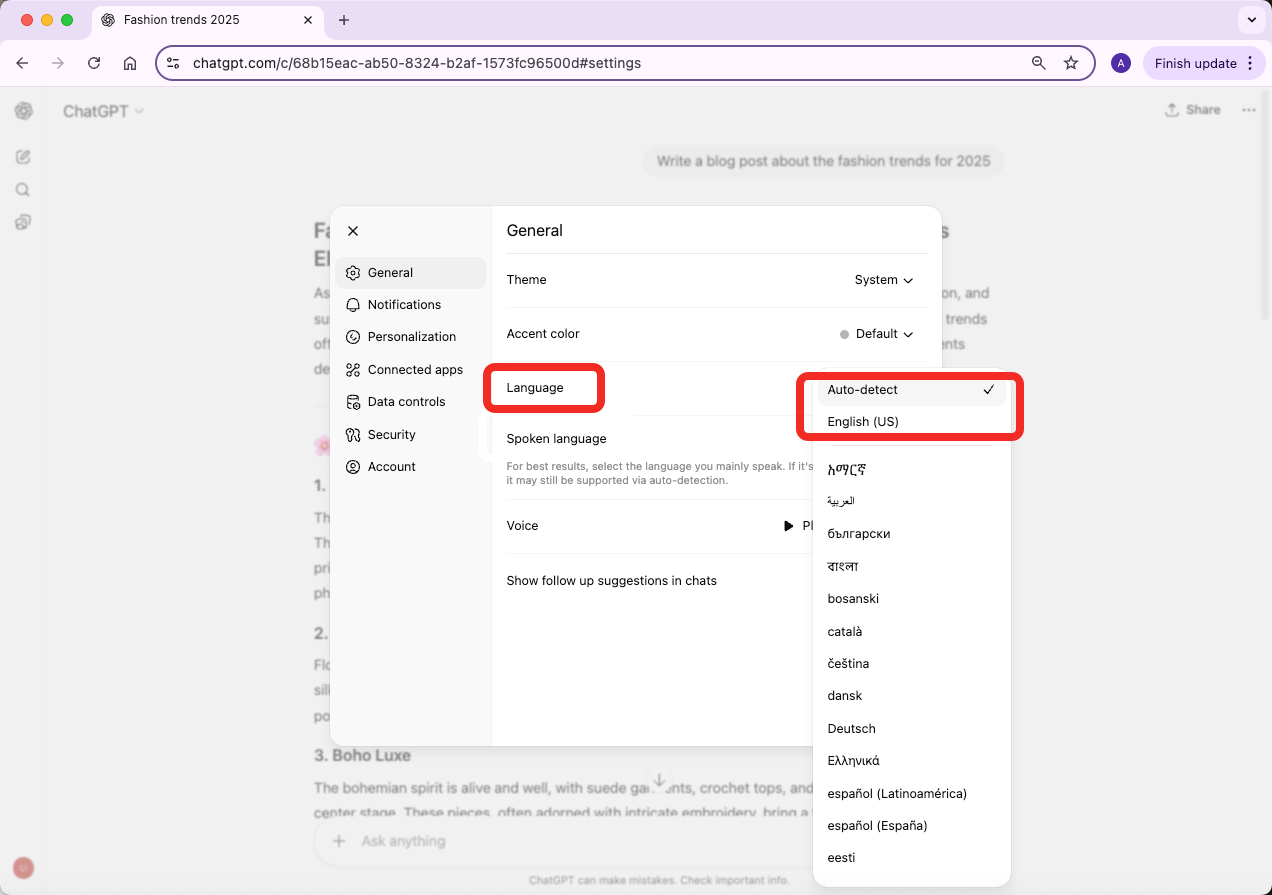
Multilingual Support: ChatGPT understands and can generate text in multiple languages.
Task-Specific Instructions: You can ask ChatGPT to draft lists, create tables, or summarize text into bullet points—tailoring it to your workflow.
Plug-ins and Extensions (GPT-4 and Plus tiers): Advanced users can connect ChatGPT to external tools, use it to analyze data, or even interact with websites.
3. Everyday Practical Uses
Beyond work, ChatGPT can also be surprisingly helpful in daily life:
Learning and Study Help: Explain complex concepts, solve problems, or generate practice questions.
Creative Writing: Brainstorm story ideas, draft poems, or even generate dialogue for scripts.
Personal Productivity: Create to-do lists, plan trips, or draft reminders.
Casual Conversations: Sometimes you just want to chat or explore ideas—it’s surprisingly good at that too.
Limitations of ChatGPT
ChatGPT is powerful, but it has limits. Treat it as an assistant that can draft, organize, and explain, not as an infallible expert or private record system.
1. Plausible-Sounding but Sometimes Wrong
ChatGPT can produce answers that sound polished but contain mistakes, missing context, or invented details.
Why it happens: The model generates likely text patterns rather than checking a single live source of truth for every statement.
Effect on you: Verify important facts, citations, numbers, laws, health information, and financial claims before using them.
Use ChatGPT to speed up thinking, then confirm the final answer with reliable sources.
2. Sensitivity to How You Ask
ChatGPT is sensitive to prompt wording. A vague or overloaded prompt can lead to a vague or incomplete response.
Why it happens: The model relies on the context and instructions you provide.
Effect on you: If the first response misses the mark, rephrase the prompt, add examples, or ask for a specific format.
3. Repetitive or Overly Wordy Responses
ChatGPT can sometimes repeat ideas, over-explain, or use generic wording.
Why it happens: The model often tries to be complete and helpful, especially when instructions are broad.
Effect on you: Ask for a shorter version, a tighter outline, or a direct answer with no extra explanation.
4. Handling Ambiguity
If a prompt has multiple possible meanings, ChatGPT may guess instead of asking a clarifying question. Add context, define terms, and state what you do not want included when the topic is ambiguous.
5. Biases and Unsafe Content
Because AI models learn from large datasets, ChatGPT can sometimes reflect bias, stereotypes, or unsafe assumptions.
How it’s managed: OpenAI uses safety training and moderation systems to reduce harmful outputs.
Effect on you: Review sensitive answers carefully and avoid relying on ChatGPT as the only source for ethical, medical, legal, or crisis-related decisions.
6. Outdated Knowledge
ChatGPT’s built-in knowledge and tool access depend on the model, plan, settings, and whether search or browsing is available in that chat. It may not know the latest news, prices, rules, or product updates unless a current-information tool is active.
For time-sensitive topics, ask ChatGPT to cite sources when available, then open those sources yourself. If no live source is available, treat the answer as a starting point rather than a final fact.
What Precautions Should Be Taken When Using ChatGPT?
Think of ChatGPT like a helpful but very public-facing assistant. It’s amazing at generating text, solving problems, and even brainstorming ideas—but it’s not a private vault. Here are the key precautions to keep in mind.
1. Protect Your Personal Information
Never share personally identifiable information (PII) such as your full name, home address, phone number, or government ID. Even though OpenAI uses user interactions to improve the model, sensitive personal details should remain private. Treat the AI as if it’s a public forum—you wouldn’t post these details there, so don’t post them here.
2. Keep Financial and Banking Details Private
ChatGPT is not a secure financial tool. Avoid sharing credit card numbers, bank account information, or any financial transaction data. Doing so could put your money at risk, and the AI cannot act as a trusted financial advisor.
3. Guard Your Passwords and Login Credentials
Passwords, PINs, and login information should never be shared with ChatGPT. Even if the AI seems helpful, it cannot securely store or manage sensitive login details, and sharing them could compromise your accounts.
4. Don’t Share Private or Confidential Information
Avoid sending confidential work files, medical records, or personal secrets. ChatGPT’s responses are generated from patterns in text, and sensitive content could be inadvertently exposed or remembered in ways you don’t intend.
5. Protect Proprietary or Intellectual Property
If you’re working on proprietary projects, trade secrets, or copyrighted material, don’t submit them to ChatGPT. The AI generates content based on what it has learned from massive datasets, and sharing proprietary information could risk exposure or misuse.
Legal and Ethical Awareness
Finally, remember that ChatGPT exists in a complex legal and ethical space. Issues like copyright, data privacy, and AI accountability are still evolving. Being cautious about what you share and how you use AI-generated content helps you stay on the safe side.
ChatGPT FAQ
1. Why does ChatGPT seem so real and lifelike?
ChatGPT was trained on large amounts of text and refined for conversation, so its responses often sound natural. It still does not understand or experience things like a person, and some answers can be wrong or misleading.
2. Can ChatGPT safety filters be avoided?
Attempts to get around ChatGPT’s safety rules are unreliable and can lead to unsafe, policy-violating, or low-quality results. Use ChatGPT for legitimate help, and reframe sensitive requests in a safe, educational, or prevention-focused way.
3. Can I trust that ChatGPT is telling the truth?
Not completely. ChatGPT can be outdated or mistaken, especially on fast-changing topics. Always verify critical facts and use feedback tools when an answer is inaccurate.
4. Who can see my conversations?
Your privacy depends on OpenAI’s settings, plan, and data controls. Avoid entering passwords, private financial details, confidential business material, or sensitive personal information unless you understand the data policy that applies.
6. Are there alternatives to ChatGPT?
Yes. Other AI chat and language models include:
Claude by Anthropic
Gemini by Google
Microsoft Copilot by Microsoft
Open-source models such as Llama or Mistral
Each has different strengths, limits, pricing, and privacy settings.
Conclusion
ChatGPT is a flexible AI assistant that can explain ideas, draft text, analyze information, support coding, and help with everyday planning. It works best when you give clear instructions, review the output, and verify anything important.
For writing workflows, WriterGPT can help turn ideas into structured drafts, and Humanizer can help polish AI-assisted wording after you check accuracy and originality.