


What Is Turnitin? Uses, Similarity Scores & AI Detection

You may first see Turnitin mentioned in an assignment page, Canvas upload box, or syllabus note and wonder what it actually does.
At its simplest, Turnitin is a school-licensed platform that compares submitted writing with source databases, creates Similarity Reports, and may show AI writing indicators when an institution enables that feature.
This overview explains what Turnitin is used for, what students can usually see, and why the report still needs human interpretation.
What Is Turnitin?
Turnitin is an online academic-integrity and feedback platform used by schools, colleges, and universities. It is best known for Similarity Reports, but many institutions also use Turnitin for grading workflows, rubric feedback, peer review, and research-integrity checking.
The core function is text similarity review. Turnitin compares a submitted document with student papers, web pages, publications, and other indexed sources. It highlights matching text and creates a Similarity Report that helps instructors review citations, quotations, source use, and possible plagiarism. In recent years, some institutions have also enabled AI writing detection for likely AI-generated or AI-paraphrased prose.
Turnitin does not automatically decide whether a student cheated. It gives teachers evidence to review, and the meaning of that evidence depends on assignment instructions, citations, drafting history, and institutional policy.
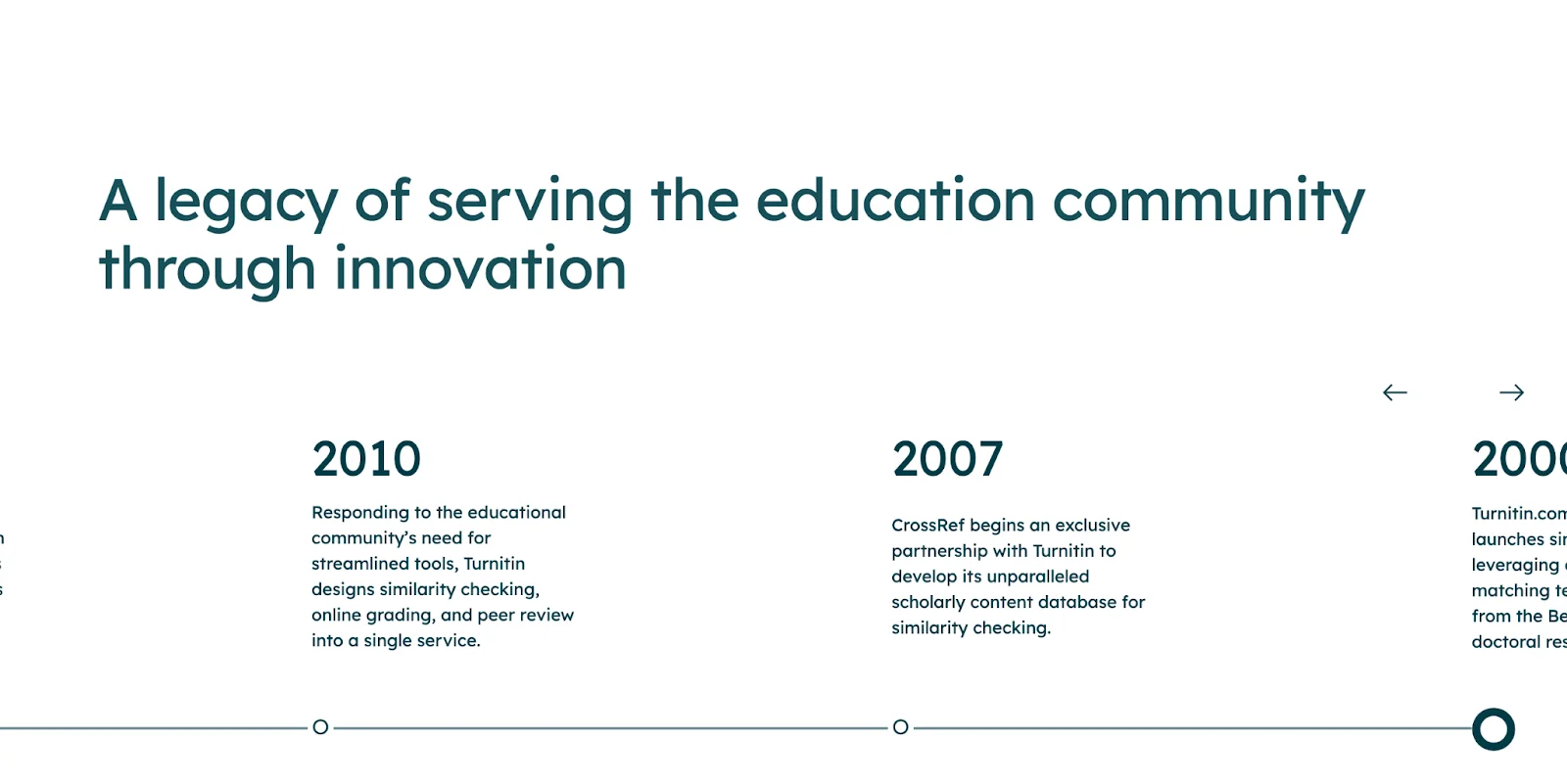
Turnitin Solutions and Tools Overview
Category / Tool | Description |
|---|---|
Academic Integrity | Supports maintaining academic integrity through safeguarding measures. |
Course Assessment | Facilitates grading that promotes learning for both students and educators. |
Research Integrity | Aims to improve trust and workflow efficiency throughout the research process. |
High-Stakes Assessment | Provides secure assessments designed to uphold standards and support program outcomes. |
Feedback Studio | Offers tools to streamline feedback and grading while addressing misconduct and supporting writing improvement. |
Gradescope | Provides flexible grading solutions and insights for paper-based work and exams. |
ExamSoft | Delivers a secure, offline digital platform for exam administration. |
Similarity | Detects potential plagiarism to help protect institutional reputation and encourage original writing. |
iThenticate | Designed for publishers, researchers, and scholars to check originality and maintain research integrity. |
What Is Turnitin Used For?
Turnitin is often connected to learning management systems such as Canvas, Moodle, or Blackboard, so students submit through the same course page where instructors create assignments. Teachers and students use the platform differently, which is why the report may look different on each side.
For Educators: Originality Checking, Grading, and Writing Insights
For educators, Turnitin is mainly a review and feedback workspace. After a paper is uploaded, the Similarity Report shows matched passages and source links so instructors can inspect whether the overlap is a cited quote, common wording, weak paraphrase, or uncited copying.
Feedback Studio can also make grading more consistent. Instructors can comment directly on submissions, use reusable QuickMark feedback, apply rubrics, and keep the review process organized in one place. Those tools support teaching, not just policing.
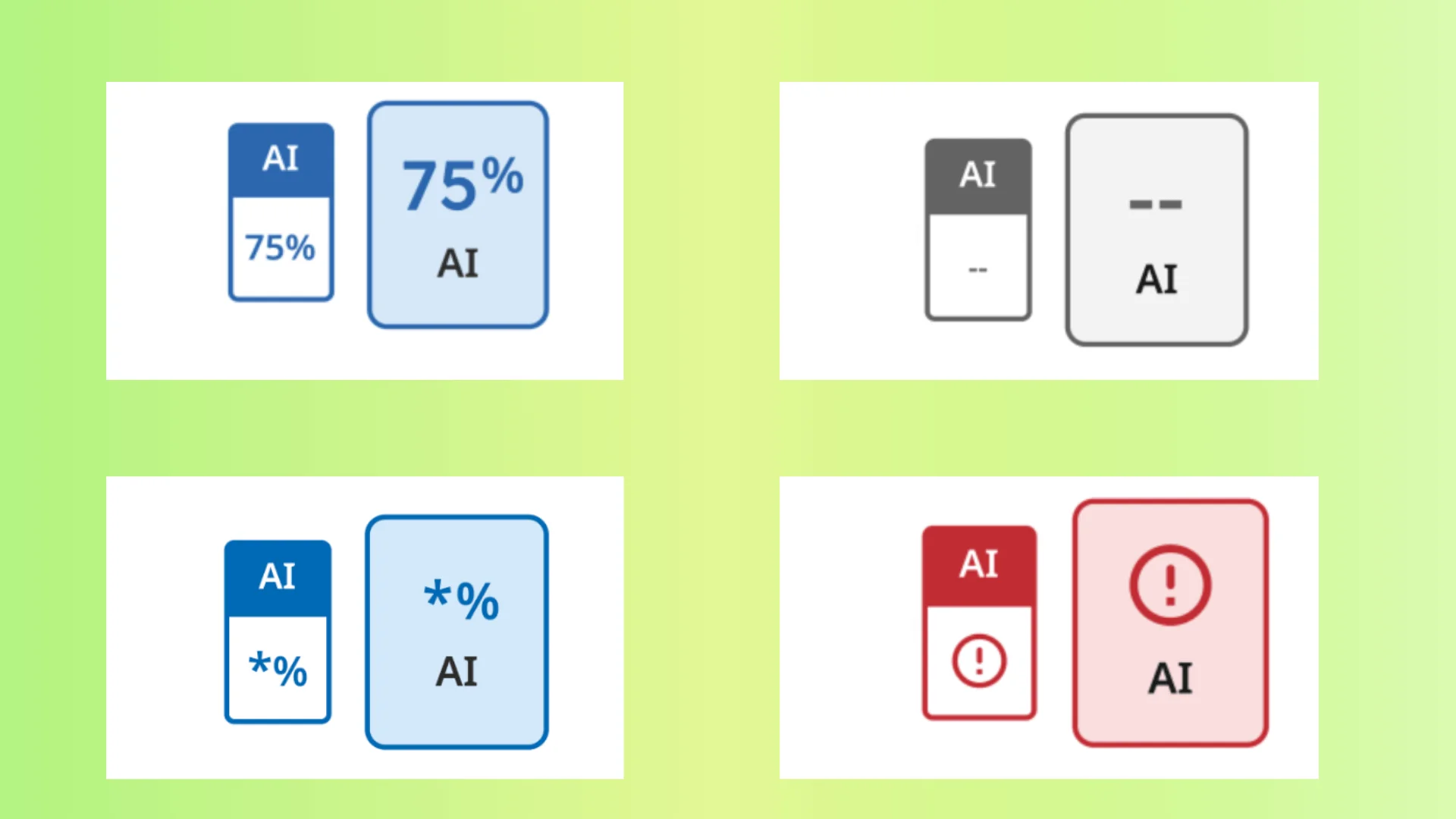
When AI writing detection is enabled, Turnitin may show an instructor-facing indicator for likely AI-generated or AI-paraphrased text. That result should be reviewed with context because a score is not the same as proof of misconduct.
Across a class, Turnitin reports can also reveal teaching patterns: repeated citation mistakes, overuse of quotations, weak paraphrasing, or confusion about source integration. Instructors can use those patterns to adjust lessons before problems repeat.
For Students: Checking Originality and Improving Writing
Students use Turnitin mainly to check their work for originality and improve the quality of their writing. When a student submits a paper through systems like Canvas, Turnitin automatically analyzes it and, depending on the settings chosen by the instructor, may generate a similarity report. Students can view this report before final submission, which gives them a chance to revise their paper and correct any issues such as missing citations or too much copied content.
Turnitin may also offer tools to help students improve their grammar, structure, and citation formatting. These features, when enabled by the institution, provide suggestions that students can use to revise their work before submitting the final version.
It’s important to note that while students might have access to the similarity report, they will not be able to see any AI detection results. That information is kept private and only accessible by the instructor.
Students will need credentials to log into Turnitin.
What Does a Turnitin Report Look Like?
Turnitin reports are generally divided into two main parts: the Similarity Report and the AI Writing Detection Report. The AI report is optional and only available if the instructor has enabled it. It is not visible to students.
When a student submits a paper, Turnitin generates the Similarity Report as the primary output. This report provides a visual overview of how much of the submitted content matches other materials stored in Turnitin’s extensive database, which includes student papers, academic journals, websites, and other sources.
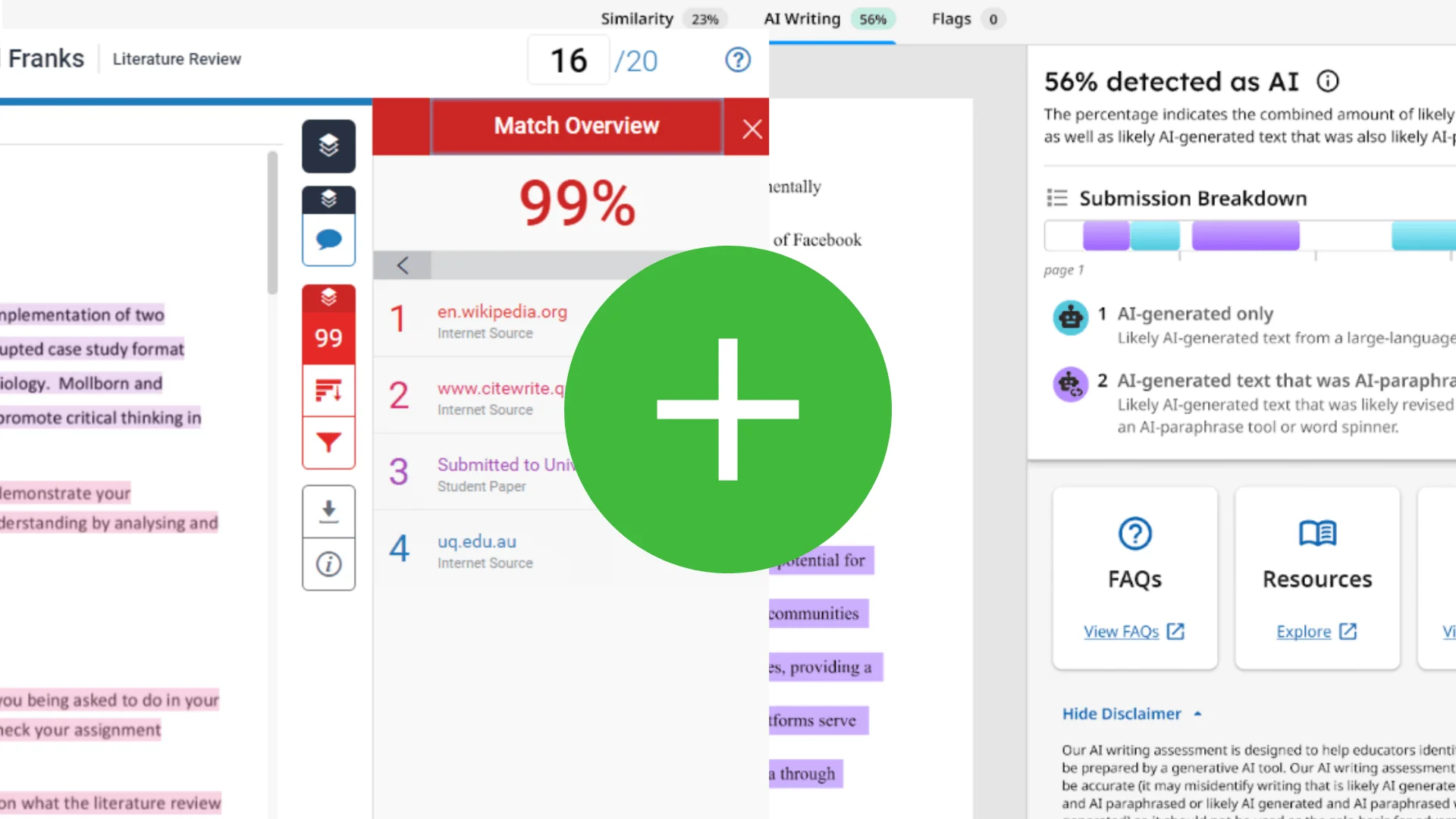
At the top of the Similarity Report, a similarity score is displayed as a percentage. This score represents the proportion of the submitted text that matches existing sources. It’s important to note that a high similarity score does not automatically indicate plagiarism, as properly cited or quoted text will also be included in the calculation.
Within the report, matched text sections are highlighted in different colors, each corresponding to a specific source. Teachers can click on these highlights to view exactly which parts of the submission match which sources.
If AI Writing Detection is enabled by the instructor, a separate part of the report will show if any sections of the paper appear to be generated or paraphrased by AI tools.
FAQ
What exactly does Turnitin detect?
Turnitin identifies matching text between a submission and source collections such as student papers, publications, websites, and other indexed material. It highlights overlap for review rather than declaring plagiarism by itself. Some institutions also enable AI writing detection for likely AI-generated or AI-paraphrased prose.
What is Turnitin GradeMark?
GradeMark is a built-in tool in Turnitin that lets instructors grade assignments online and provide detailed feedback. Teachers can comment, highlight text, and apply rubrics directly on student submissions.
What is PeerMark?
PeerMark enables students to review and grade their classmates’ papers. It’s useful for courses that require peer feedback, but not all schools offer this feature.
What is the level of similarity that Turnitin allows?
There is no fixed “safe” similarity percentage. Lower scores usually mean more original work, but higher scores can be acceptable if sources are properly cited. Acceptable similarity depends on the assignment and instructor guidelines.
Does Turnitin detect cheating?
Turnitin compares submissions against selected databases like journals, student papers, and websites to detect copied or closely paraphrased text. For example, if two students submit similar work, the later submission will likely have a high similarity score. However, Turnitin cannot detect all cheating types, such as using unauthorized help or buying papers.
Can students use Turnitin AI Checker?
No. AI writing detection reports are only visible to instructors. Students cannot access these reports. There are third-party tools outside Turnitin that offer AI content detection.
After reviewing my originality report, can I update and resubmit the assignment?
It depends on your institution’s rules and how your instructor has set up the assignment. Always confirm with your lecturer or tutor before resubmitting. If your instructor allows your new submission to be added to the similarity database, resubmitting may raise your similarity score.
Conclusion:
In short, Turnitin helps schools review source use, similarity, feedback, and in some cases AI writing signals. It is useful because it organizes evidence, but it does not replace a teacher's judgment.
Students who understand the report can submit with less stress: cite carefully, keep drafts, review highlighted matches, and ask instructors how Turnitin is used in the course.